
 30 October 2026
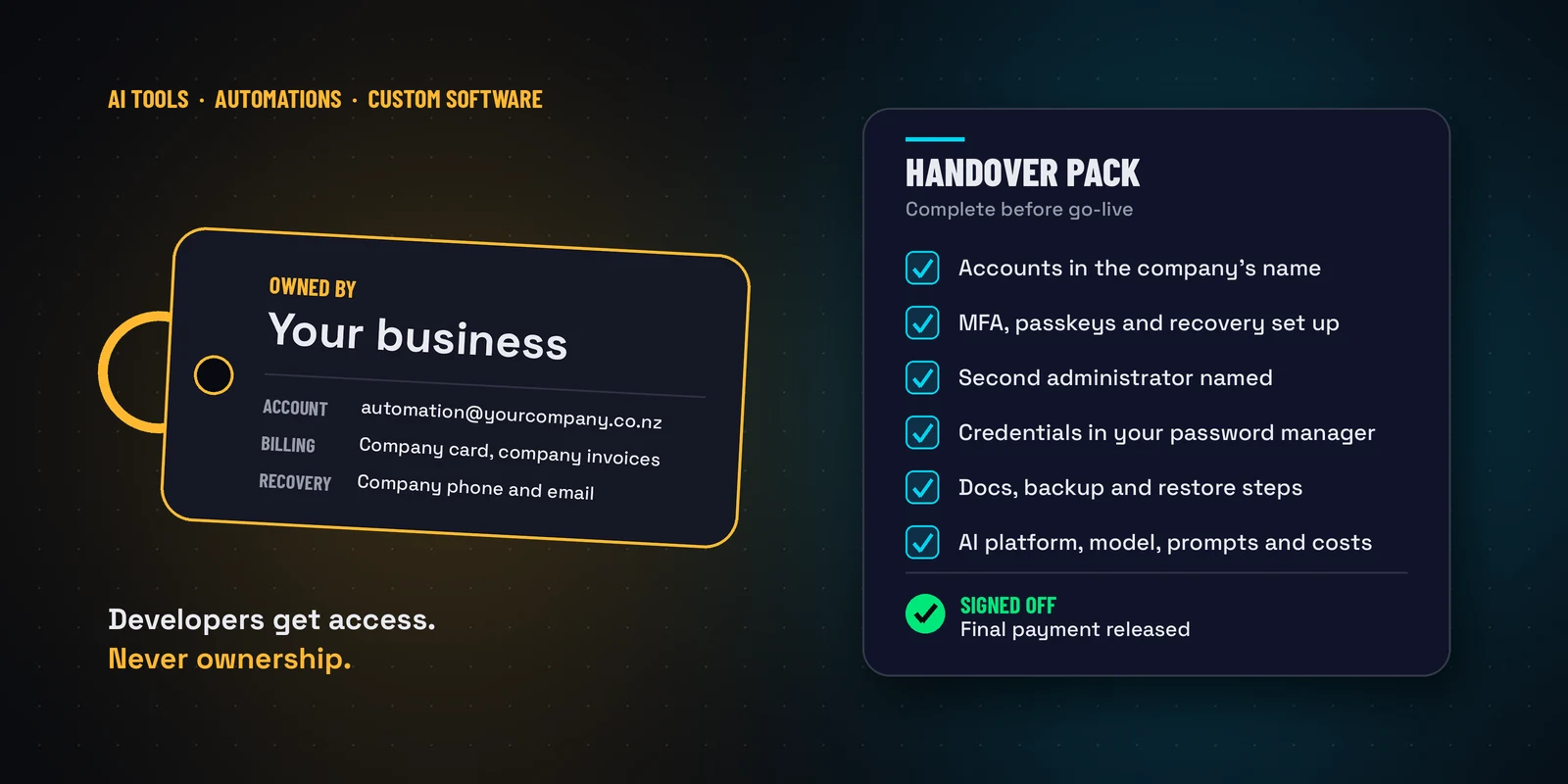
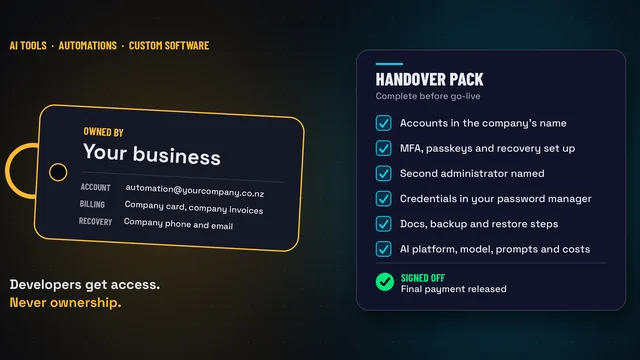
A Project Isn’t Finished Until the Handover Is
AI tools and custom systems often run on someone else's account. Why every production system should run on accounts your business owns, what a handover pack should include, and a free checklist to give any vendor.
Read the full post →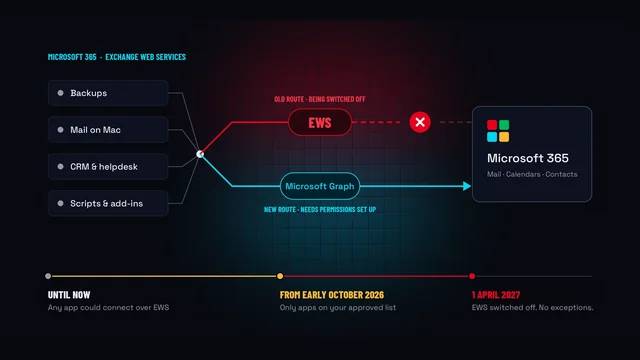 22 October 2026
Microsoft Is Switching Off EWS: What It Means for Your Business
Microsoft is retiring Exchange Web Services from Microsoft 365, and switches it off for good on 1 April 2027. What it means for your backups, Apple Mail on Mac and other connected apps.
Read the full post →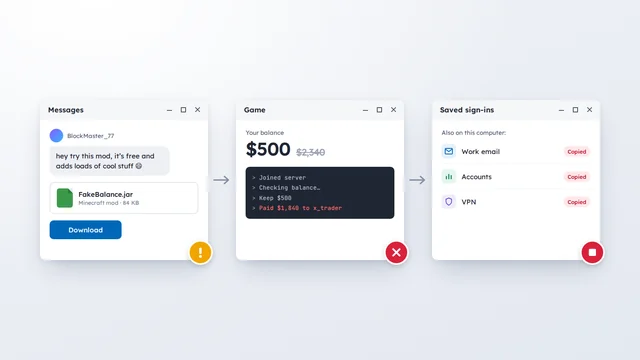 14 October 2026
It Happened in Our House, and We’d Done Everything Right
A Minecraft mod stole in-game money in our house, despite good security. The same trick steals business logins. Here's what to do.
Read the full post →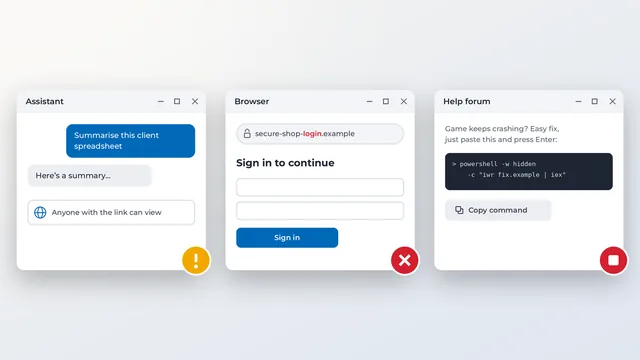 8 October 2026
Three Habits for Working Safely with AI
AI assistants are genuinely useful, but the risks aren't always where people expect. Three simple habits: treat shared chats as public, don't click AI-supplied links, and never paste a command someone gives you.
Read the full post →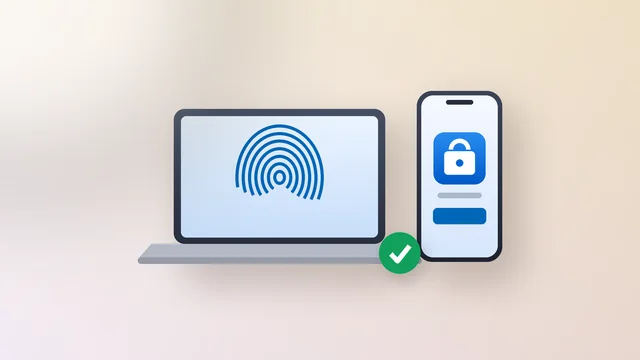 24 September 2026
Microsoft Sign-In Changes, Part 2: Make Sure You Have Two Ways In
Part two of our Microsoft 365 sign-in update. Why two sign-in methods beat one, how to set up Microsoft Authenticator before 1 February 2027, and how to spot copycats.
Read the full post → 17 September 2026
Anvil Client Update: Shadow AI at Work
Staff are already using AI tools IT never approved. What shadow AI is, what Bitdefender's new AI Visibility and Control add-on shows you, and how we suggest approaching it.
Read the full post → 2 September 2026
Anvil Client Update: Please Reference Where Possible
Adding an invoice number to your payment reference saves everyone time. How to reference payments, handle combined payments, and use your monthly statement.
Read the full post → 13 August 2026
Microsoft Sign-In Changes, Part 1: Text and Call Codes Are Being Retired
Microsoft is retiring text message and phone call verification codes for Microsoft 365 on 1 February 2027, what you need to do before!
Read the full post → 6 August 2026
A Five-Minute Winter Check-Up
Take five minutes to improve your business security with three simple checks covering computer updates, password security and mobile devices.
Read the full post →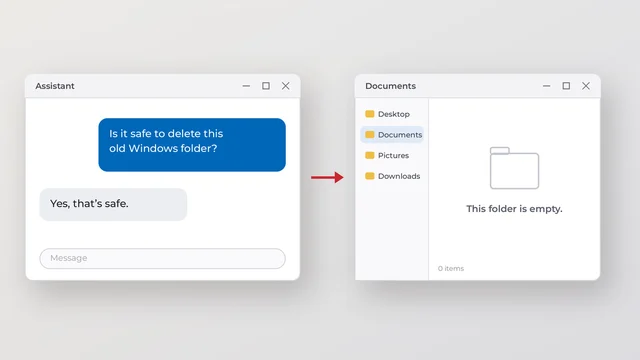 30 July 2026
A one-word mistake wiped a hard drive this week
An AI said it was safe to delete a Windows folder. It wasn't. Learn how AI deleted important files and why backups, change control, and guardrails matter.
Read the full post →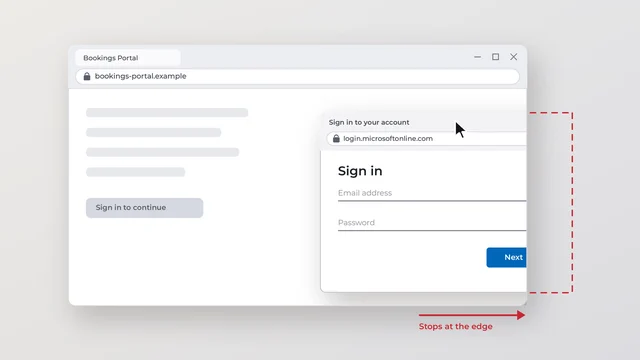 23 July 2026
A Sneaky New Way Scammers Fake Your Login Pop-up
Learn how browser-in-the-browser attacks fake Microsoft and Google login pop-ups, how to spot them, and simple ways to protect your accounts.
Read the full post →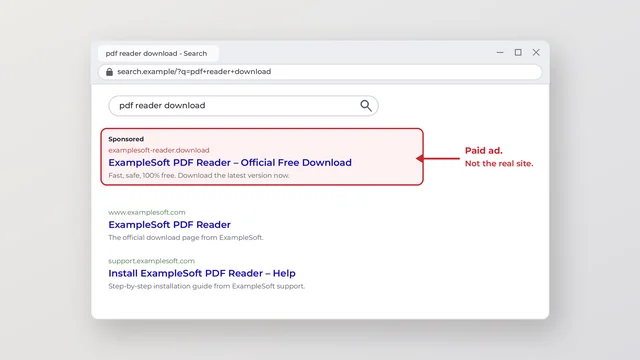 15 July 2026
Watch Out for Fake Software Downloads Hiding in Search Results
Fake software downloads are appearing in AI search results and sponsored ads. Learn how to spot the scams and keep your business safe
Read the full post → 9 July 2026
Meet Copilot Cowork: Microsoft 365 Just Learned to Do the Work, Not Just Suggest It
Microsoft has made Copilot Cowork generally available to all Microsoft 365 Copilot customers. Unlike Copilot, Cowork carries out the work itself across your inbox, calendar, files and Teams.
Read the full post →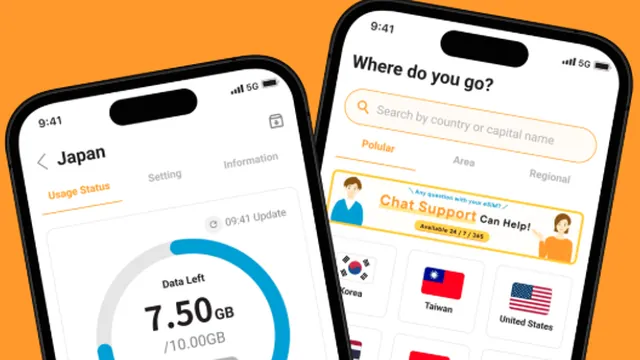 29 June 2026
Overseas Travel and eSIM Access Issues
Using an eSIM overseas can make your sign-ins appear to come from the wrong country, triggering Conditional Access blocks. Tell us your travel plans before you leave so we can prepare.
Read the full post → 25 May 2026
Office365 Pricing Changes – What New Zealand Businesses Need to Know
Microsoft's commercial pricing update took effect on 1 July 2026. Review your subscription renewal, commitment and billing options with a current NZD quote.
Read the full post → 20 May 2026
OneDrive vs Teams: Where Should Your Business Files Live?
One of the most common Microsoft 365 questions we get: should files live in OneDrive or Microsoft Teams? The golden rule — 'my work' goes to OneDrive, 'our work' goes to Teams.
Read the full post → 13 May 2026
Cyber Insurance in NZ: Why Security Training Now Matters
Staff security awareness can support cyber risk management. Discuss your insurer's specific requirements with your broker, and review the evidence you keep.
Read the full post →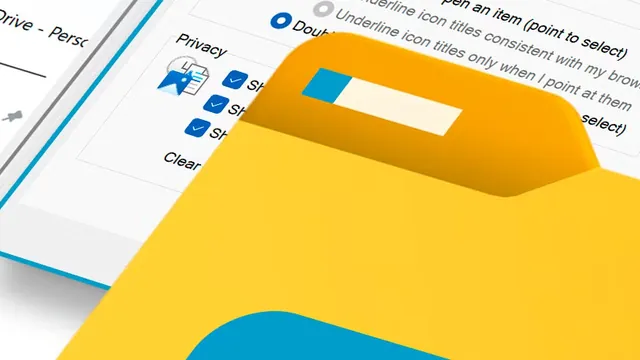 10 May 2026
Watch Where You Create Folders in File Explorer
Creating a new folder one level too high in a synced Teams directory produces an 'orphaned folder' that's invisible to your team and isn't backed up. Here's how to avoid it.
Read the full post → 23 February 2026
Essential Cyber Checkup for SMBs – Bitdefender CREW
46% of SMBs have experienced a cyberattack, and 1 in 5 were forced into bankruptcy. Bitdefender's C.R.E.W. workshop gives small businesses a right-sized way to find and fix the gaps that matter most.
Read the full post → 22 February 2026
How to Report Suspicious Email Domains
Scam and phishing domains don't just affect one person — reporting them takes minutes and helps block them for every other New Zealand business and inbox too. Here's exactly how.
Read the full post → 9 December 2025
Security Alert – High Amounts of Targeted Phishing
A coordinated phishing campaign is hitting Microsoft 365 accounts across New Zealand via fake spreadsheet-sharing emails. Here's what the attack looks like and what to do about it.
Read the full post → 27 October 2025
Know Your Microsoft 365 Password – Stay Connected Even If Outlook Won't Open
If you only ever sign in with your Windows PIN, you may not know your actual Microsoft 365 password — and that's a problem the moment Outlook stops opening. Here's how to stay covered.
Read the full post →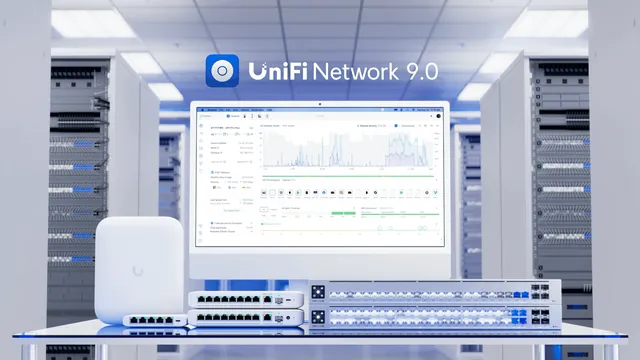 29 September 2025
Modern Networking for SMB and Home
Why we've standardised on the UniFi ecosystem for networking, firewalls, routing and cameras — one integrated platform instead of patching together different brands.
Read the full post →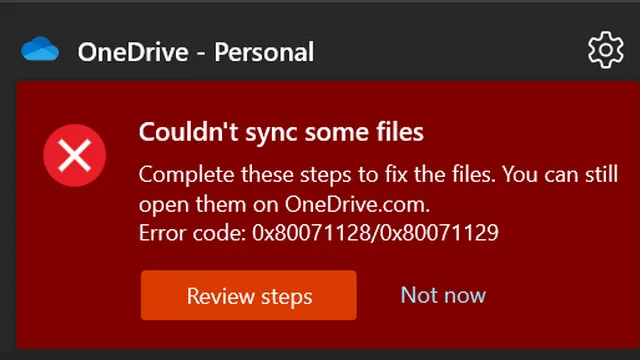 22 September 2025
File Names Breaking Your File Sync
Long file paths and unsupported characters can silently stop files syncing to Dropbox, SharePoint or Teams — leaving staff thinking work is saved when it isn't. Here's how to avoid it.
Read the full post → 17 September 2025
Protecting Your Business Beyond Antivirus
Traditional antivirus isn't enough anymore. Why Bitdefender MDR, powered by XDR, gives your business 24/7 human-led threat monitoring across devices, cloud and identity.
Read the full post → 24 February 2025
Minimum Requirements for Laptops and MacBooks
Buying a new work laptop or MacBook? Here are our minimum spec guidelines — and why Windows 'Home' editions and undersized SSDs cause problems for business use.
Read the full post → 31 January 2025
Restarting vs Shutting Down: What's the Difference?
Since Windows 10, a 'shutdown' doesn't fully clear memory and running processes the way it used to — you need a proper Restart to get a genuinely clean start.
Read the full post → 31 August 2024
End for Windows 10: How Does This Affect You?
Windows 10 Home and Pro support ended on 14 October 2025. Review device compatibility, replacement and eligible Extended Security Update options with Anvil.
Read the full post →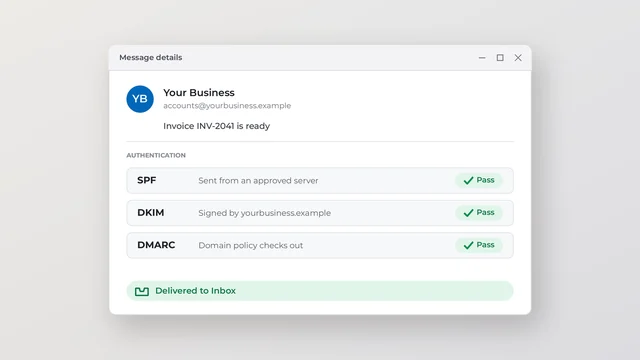 24 June 2024
Email Deliverability & Maintenance Needed
We're rolling out a review of DKIM, DMARC and SPF settings across client domains as Google and Yahoo tighten enforcement — here's why it matters and what we're checking.
Read the full post →