
Business phone systems for Auckland offices
For business phones and voice, Anvil recommends VoIP HQ, a specialist we trust. You deal with them directly for the phone system; we look after the network and IT it runs on, so the two work together.
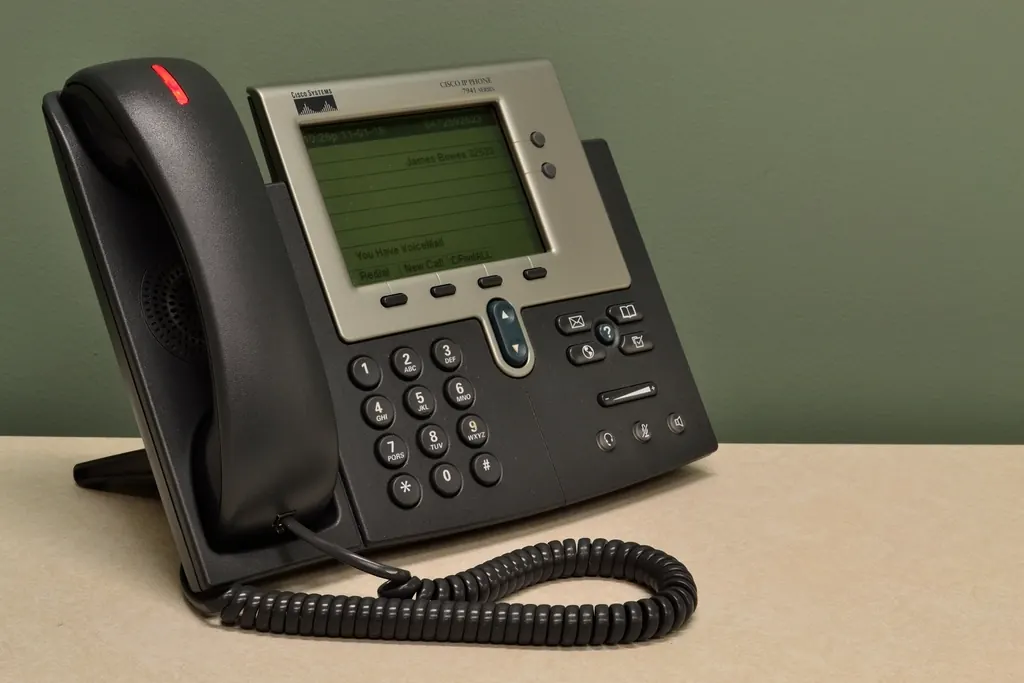
Start with how your business takes calls
A phone system is easier to choose once you know how calls actually move through the business today.
Who answers, and where
List the people who take calls, whether they work at a desk, on a mobile or from home, and what should happen when nobody picks up.
Your numbers
Note the numbers your customers already know. Ask how existing numbers can move across before you commit to a change.
Hours and overflow
Opening hours, after-hours messages, hunt groups and voicemail all shape the setup. Write down what callers should hear at each point.
Our recommended phone partner. We don't resell phone systems. When clients ask, we point them to VoIP HQ business phone systems because we would rather recommend a specialist we trust than sell something outside our own expertise. See our partner network.
Voice runs on your network
Internet phone calls share the connection and network your team already uses, so call quality depends on the IT underneath it as much as on the handset.
Network ready for voice
Dropped or choppy calls are often a network problem. We can check your Wi-Fi and networking before the phones go in, and look at it with you if call quality changes later.
Devices and accounts
Softphone apps on laptops and mobiles still need managed devices and secure sign-in. That part sits with your ongoing IT support.
$ anvil network --voice-check
Reported: calls breaking up after 2pm
> Internet connection ........ ok
> Upload during busy period .. saturated
> Voice traffic priority ..... not configured
> Desk phone switch ports .... ok
Fix the network, then judge the phones.
Illustrative example, not a client result.
Questions worth asking any phone provider
Whoever supplies your phones, get clear answers to these before you sign.
- How your existing numbers move across, and how long that takes
- What happens to calls during a power or internet outage
- How emergency 111 calls work from each phone and app
- Which handsets, headsets and mobile apps are supported
- Contract term, and what it costs to add or remove users
- Who you call when something stops working