
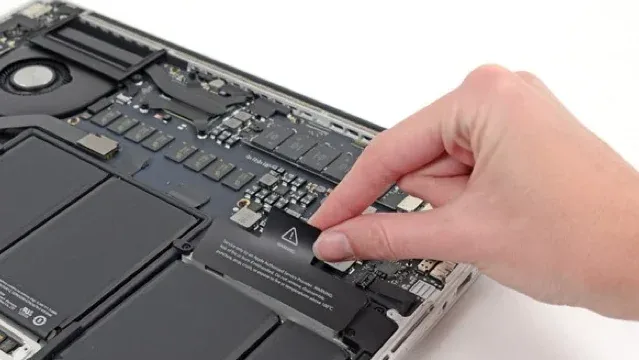
No matter where you are buying laptop or desktop hardware for yourself or your staff, I think it would be good for you to know these minimum guidelines.
We see a lot of people buying under-specced laptops and then being frustrated, or buying software that doesn't meet the business's needs for their systems, so here it is:
PC Minimums
i5/R5 CPU or higher · 16GB RAM · 500GB NVMe SSD Storage · Windows 11 PRO (not Home)
Mac Minimums
M2 CPU or higher · 8GB RAM · 500GB SSD Storage
You may ask why you need this extra storage or memory when 'my systems are all in the cloud', but the reality is that having many tabs and web systems open at once, and also syncing a lot of files (think OneDrive/Teams, Dropbox, Google Desktop sync), actually consumes quite a lot of RAM and CPU.
Plus, if you want to keep your MacBook for many years, which is common, you simply won't have the space on your drive to even do the operating system updates if you buy a smaller 256GB SSD.
With Windows systems, Windows 'Home' doesn't include BitLocker drive encryption (something you will want particularly if you are storing and working with client data), nor does it allow for connecting properly to your business Microsoft 365 cloud environments.
It is expensive to switch from 'Home' to 'Pro' after you start using a laptop, so please either buy it with 'Pro' to begin with, or if you see a model you really like the price and spec/look of but it is 'Home', bear in mind we can reload it to 'Pro' before you start using it, much cheaper and more easily with a bit of lead time.
Of course, there are nuances to what spec to buy — for example if you are planning on video editing, gaming, or storing lots of data — but the above is a good minimum for business/office use.
Cheers, Ashley Kirk